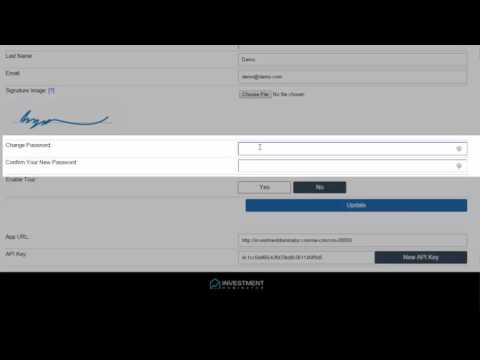
IMPORTANT! When you sign up initially for the Investment Dominator, you were assigned a password by the system. For security reasons, we highly recommend that you log in and change that password to a more secure custom password.
You can update your password in just three simple steps:
STEP1: Log into your Admin Console and navigate to the ‘Profile‘ area by clicking the link at the top right of your screen:

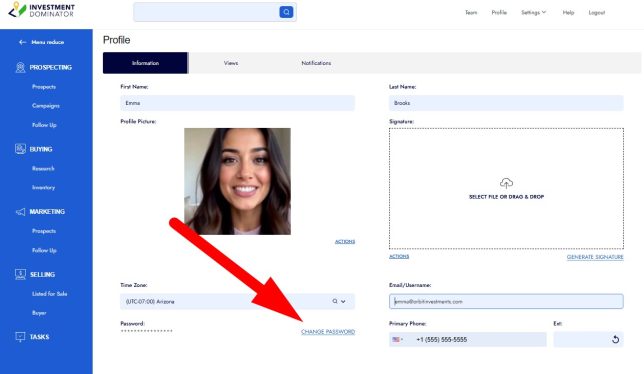
STEP 2: Click the ‘CHANGE PASSWORD‘ link under the ‘Information‘ tab and follow the prompts to change your password to something unique:
STEP 3: Click the blue ‘CONFIRM‘ button to save the changes:

Click the ‘Logout‘ option from the top navigation to sign out of the system, then when you log back into the system use your new password.
NOTE: Both your username and password are case-sensitive, so ensure that when you change your password to a new one, that you take note of the case of each letter you enter.