Author name: admin

How To Do A Blind Offer Campaign In The Investment Dominator

If you’re ready to send targeted, ready-to-sign cash offers to landowners, the Investment Dominator makes it simple. The Investment Dominator CRM system comes with the ‘LPG Blind Offer‘ deal flow already mapped out and ready to go. Right out of the box we also include the Blind Offer document templates pre-defined under the ‘Campaigns‘ section.

How To Do A Blind Offer Campaign In The Investment Dominator Read More »

Bulk Changes

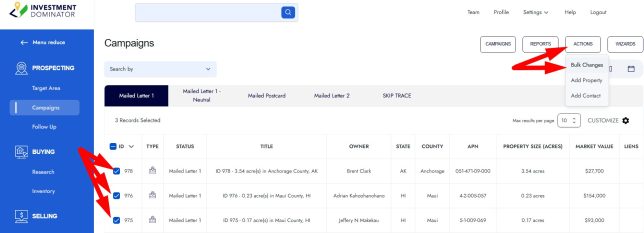
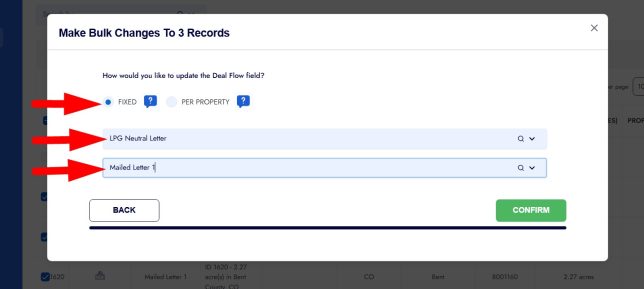
The bulk changes action is a powerful tool that allows you to update the value of any field for multiple records in your system.  Here’s how it works: Step 1: Navigate to the property table under the PROSPECTING, BUYING, or SELLING section from the left-side navigation menu. Step 2: Select the records you would like

Bulk Changes Read More »

Custom Campaigns

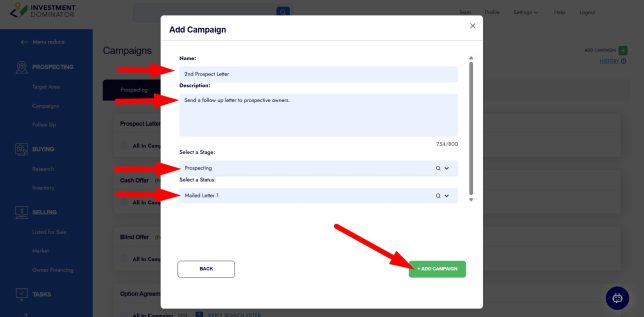
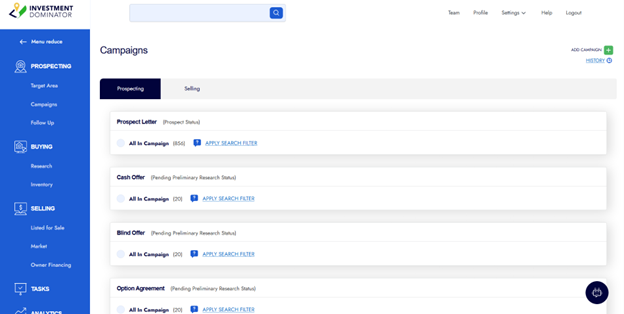
Custom campaigns let you bulk-generate documents for prospects based on their Deal Flow ‘Stage’ and ‘Status’, automating document generation as your prospects move through your pipeline. To create a custom campaign in your system: Step 1: Click one of the prospecting links from the left-side menu then click the ‘CAMPAIGNS’ option from the top-right side

Custom Campaigns Read More »

How To Import Data (Prospects/Leads) Into the Investment Dominator

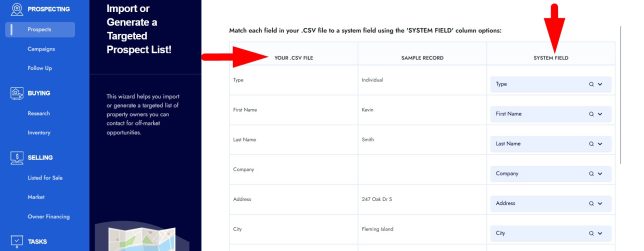
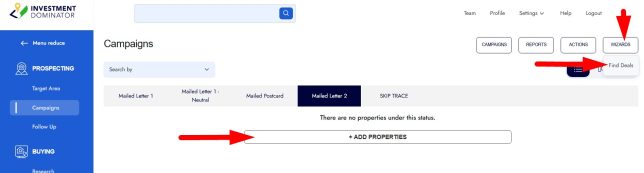
You can import your land list (property/owner data) into the Investment Dominator 2.0 with the help of the ‘Find Deals Wizard’. To access the ‘Find Deals Wizard’, select a sub tab under the ‘PROSPECTING’ section of the left navigation menu, then either click the ‘+ ADD PROPERTIES’ option (in the case you don’t have any

How To Import Data (Prospects/Leads) Into the Investment Dominator Read More »

How To Import Seller Prospect Leads From The Investment Dominator Data Service (The Find Deals Wizard)

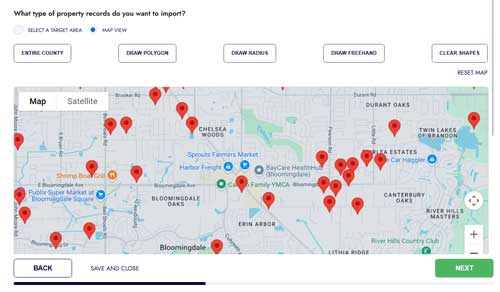
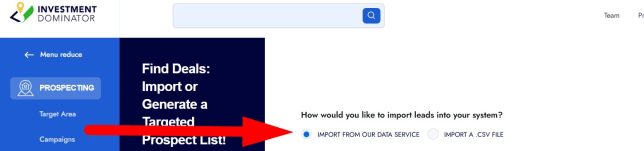
To import seller leads into your system from the Investment Dominator Data Service you can use the ‘Find Deals Wizard‘ following these simple steps: STEP 1: From the left navigation pane select ‘PROSPECTING’, then click on the ‘WIZARDS‘ option from the top right side of the screen and select the ‘Find Deals‘ option: STEP 2:

How To Import Seller Prospect Leads From The Investment Dominator Data Service (The Find Deals Wizard) Read More »