
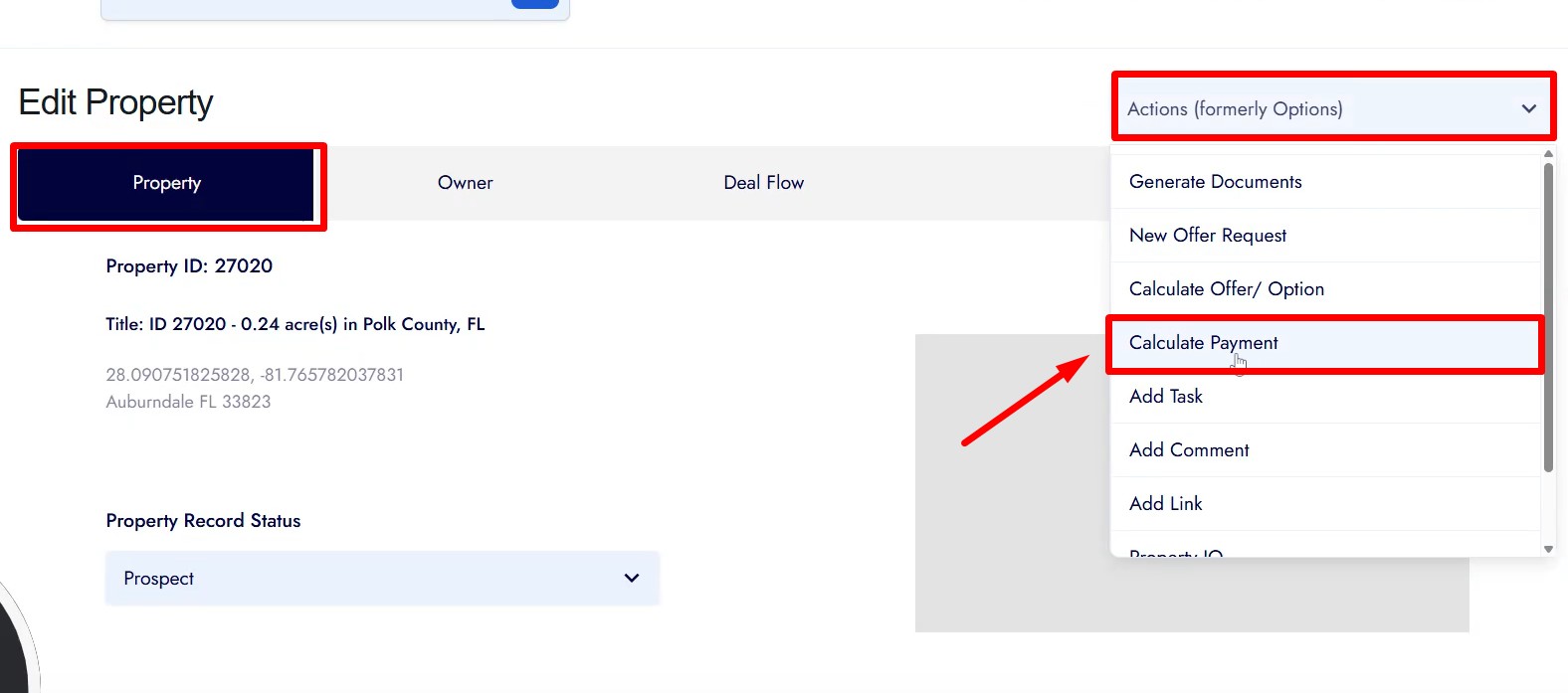
The Payment Calculator helps you structure and review loan or lease-purchase payment terms for a property. It pulls default values from the property record and global settings, allows manual overrides, and generates a clear payment summary before you confirm.
1. Open the Payment Calculator
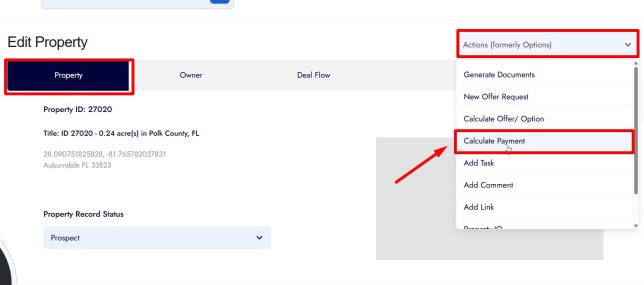
• Open the property record you want to work on.
• Stay on the Property tab.
• Click Actions in the top right.
• Select Calculate Payment.
2. Choose the Payment Type
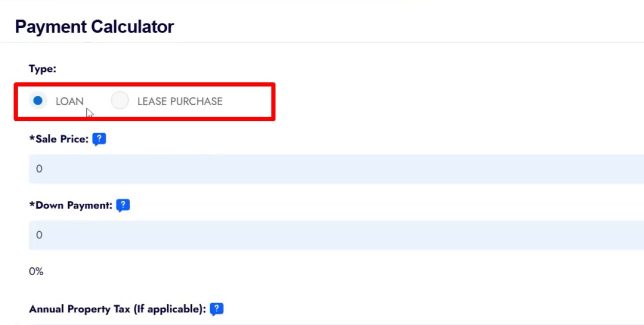
Select one option:
• Loan
• Lease Purchase
3. Enter or Review Loan Details
For Loan, review or override:
• Sale Price
• Down Payment
• Annual Property Tax (if applicable)
• HOA / POA fees (if applicable)
• Document Fee (from global defaults)
• Interest Rate
• Monthly Loan Servicing Fee
• Term Length in months (defaults to 48)
4. Enter or Review Lease Purchase Details
For Lease Purchase, review or override:
• Sale Price
• Charge Deposit (Yes or No)
• Deposit Amount
• Apply Deposit as Rent Credit (Yes or No)
• Annual Property Tax
• HOA / POA fees
• Document Fee
• Additional Monthly Fee
• Rent Credit Percentage
• Monthly Servicing Fee
• Term Length in months (defaults to 48)
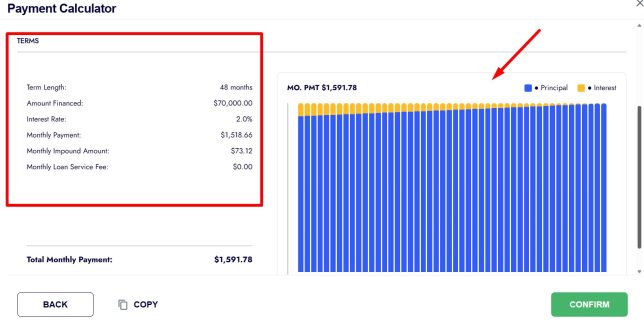
5. Review the Payment Summary
• Click Next.
• Review the summary showing:
• Sale amount
• Deposit
• Rent credit applied or required
• Term length
• Monthly rent credit breakdown
• Full payment terms
6. Confirm and Save
• Click Confirm.
• A confirmation message will appear.
• Payment details are saved to the property record.
Frequently Asked Questions
Where do the values come from?
Most fields are pulled from the property record or global owner-financing settings. You can override any value.
Can I change the numbers later?
Yes. You can reopen the Payment Calculator at any time and update the values.
What is the difference between Loan and Lease Purchase?
Loan structures a traditional financed sale. Lease Purchase structures rent payments with optional rent credit toward purchase.
Do I have to use the default 48-month term?
No. The term length can be edited to match your deal.
Will this automatically generate documents?
No. The calculator only sets payment terms. Documents are generated separately using those values.